

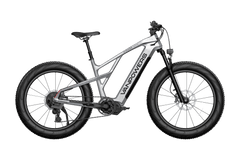
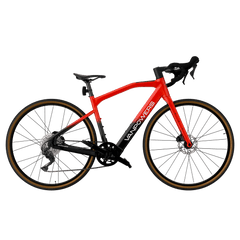

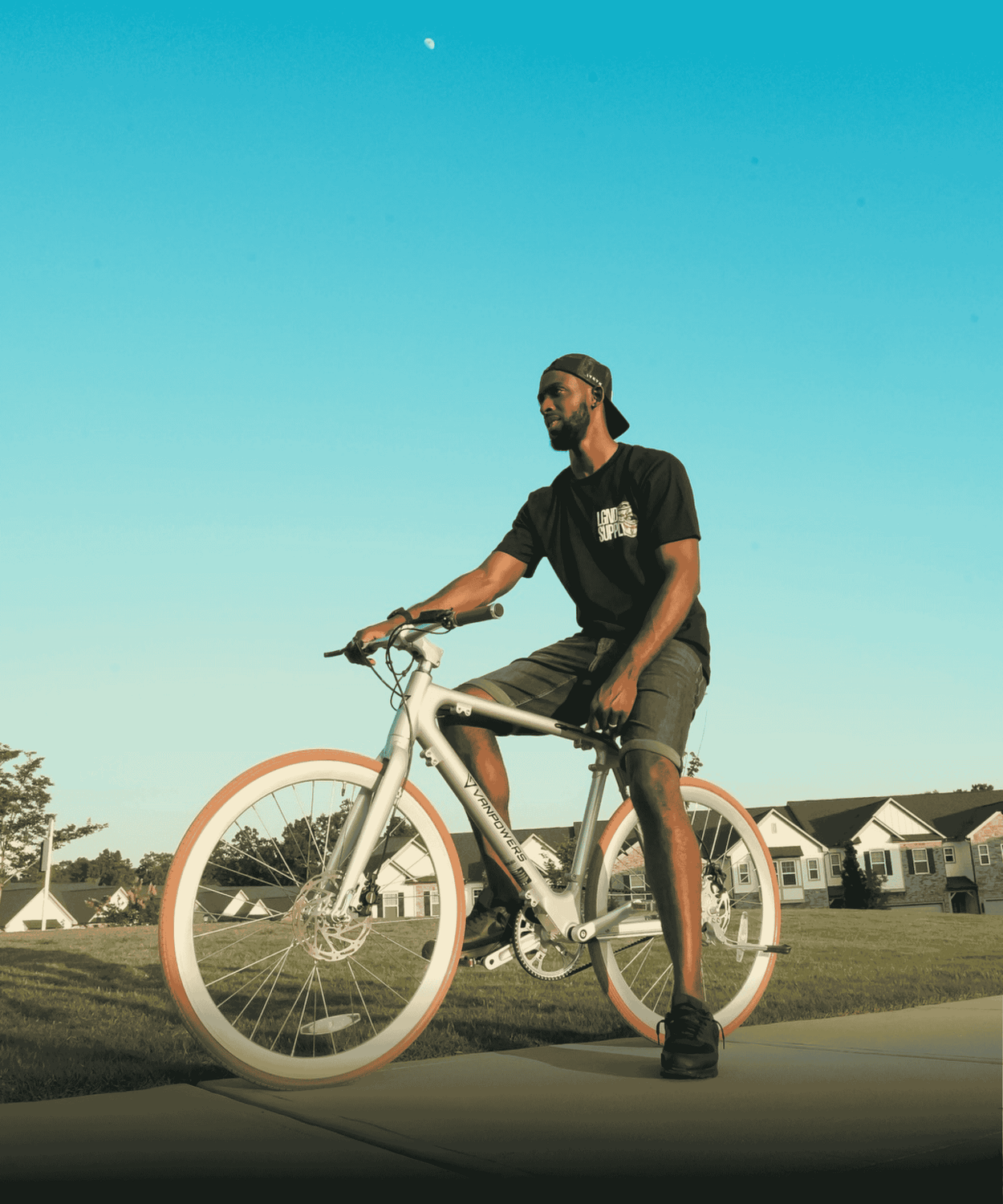






A simple guide for riders whose bike will not connect after scanning the display QR code.
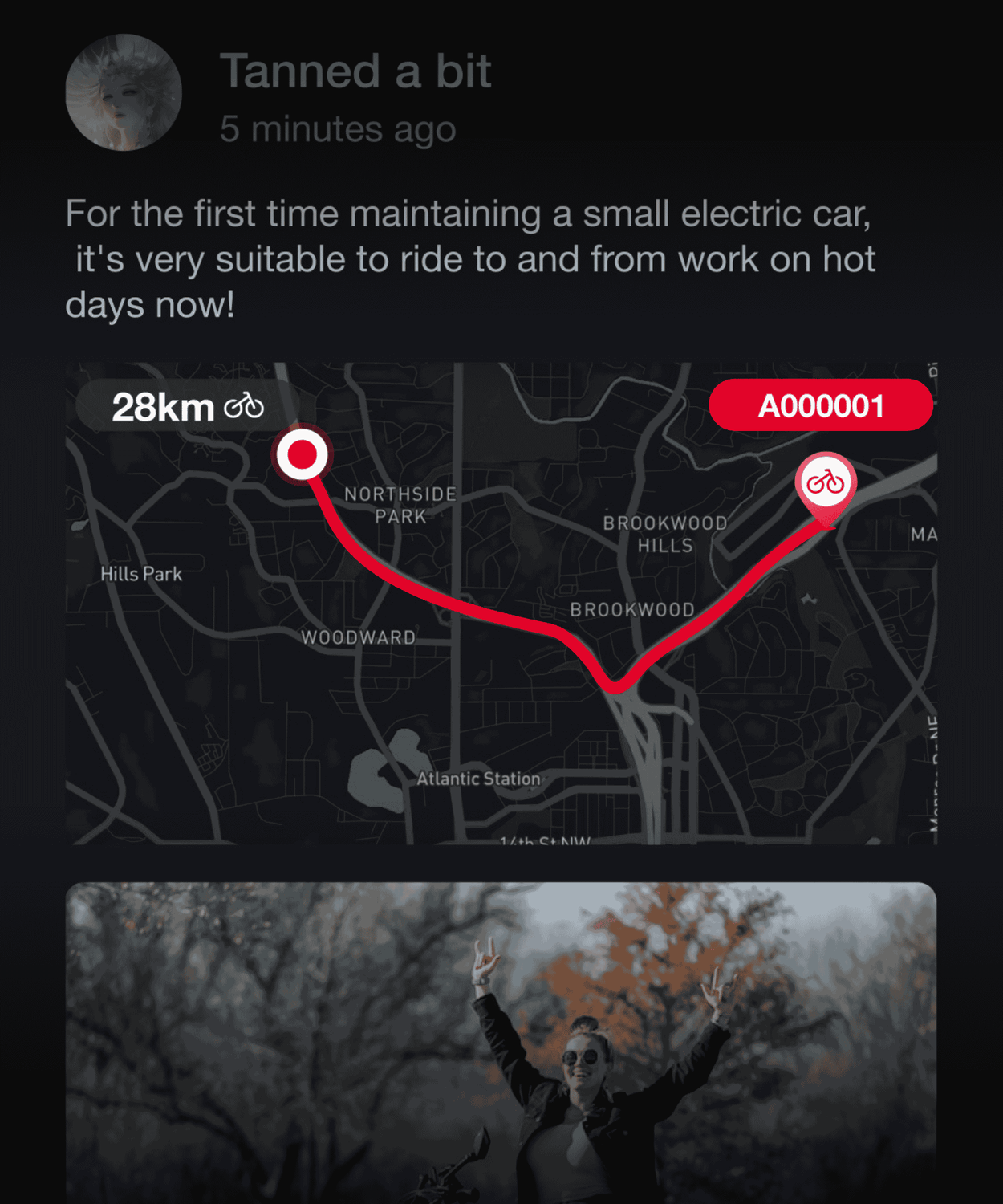
The Vanlife App is available for compatible Vanpowers UrbanGlide, UrbanCross, and GrandTeton e-bikes. It is not available for Cycanon models.
If you scan the QR code on your display and see a “Vehicle” error, our Support Team can help link your bike manually. Please send the information below in one email so we can assist you as quickly as possible.
What you’ll need
| Your bike model | Please send to Vanpowers Support |
|---|---|
| UrbanGlide | Frame number + display QR code |
| UrbanCross Pro | Frame number + display QR code |
| GrandTeton Pro | Frame number + display QR code |
| UrbanCross Ultra | Frame number + display QR code + Smart Module label (IMEI) |
| GrandTeton Ultra | Frame number + display QR code + Smart Module label (IMEI) |
Tip: Please attach clear, readable photos rather than typing the numbers. This helps us process your request accurately.
Step 1: Find your frame number
Your frame number is printed on the bike frame, typically near the bottom bracket / crank area. Its exact position varies by model. Take a sharp, well-lit photo of the complete number.
GrandTeton

UrbanCross

UrbanGlide

Step 2: Display the QR code on your bike
On your bike display, open Settings and select Bluetooth. A QR code will appear. Take a clear photo or screenshot of this code and include it in your email.

Step 3: Ultra models only — find the Smart Module label
This step applies to GrandTeton Ultra and UrbanCross Ultra only. We also need the Smart Module label with the IMEI.
- Carefully remove the cover beneath the frame. Use a Phillips screwdriver to loosen the two marked screws counterclockwise.
- Take a clear photo of the label inside, making sure the IMEI is readable.
Important: Do not pull on wires or attempt to disconnect any components. If you are unsure, please contact Support before proceeding.


Step 4: Email Vanpowers Support
Email service@vanpowers.com with the subject line:
Vanlife App Connection Help — [Your Bike Model]
Please include:
- Your name and the email address used for your Vanlife App account
- Your bike model
- Your frame number photo
- Your display QR code photo
- For Ultra models: your Smart Module label photo with IMEI visible
Once we receive the required information, our Support Team will review your request and help complete the connection.
Copy-and-paste email template
Subject: Vanlife App Connection Help — [Bike Model]
Hello Vanpowers Support Team,
I need help connecting my [Bike Model] to the Vanlife App. I have attached clear photos of my frame number and display QR code [and Smart Module label/IMEI, if applicable].
My Vanlife App account email: [email address]
Thank you.
Most Popular
- VanPowers Urbanglide Ultra Review, 2023
- VanPowers Urban Glide - Paso elegante y sexy a través de los viajeros
- Celebrando el Día Mundial sin automóviles con bicicletas eléctricas
- VanPowers & Atb Bike
- Revisión: VanPowers Urbanglide Ultra
- Pedal en salud: los beneficios de salud ocultos de andar en bicicleta eléctrica